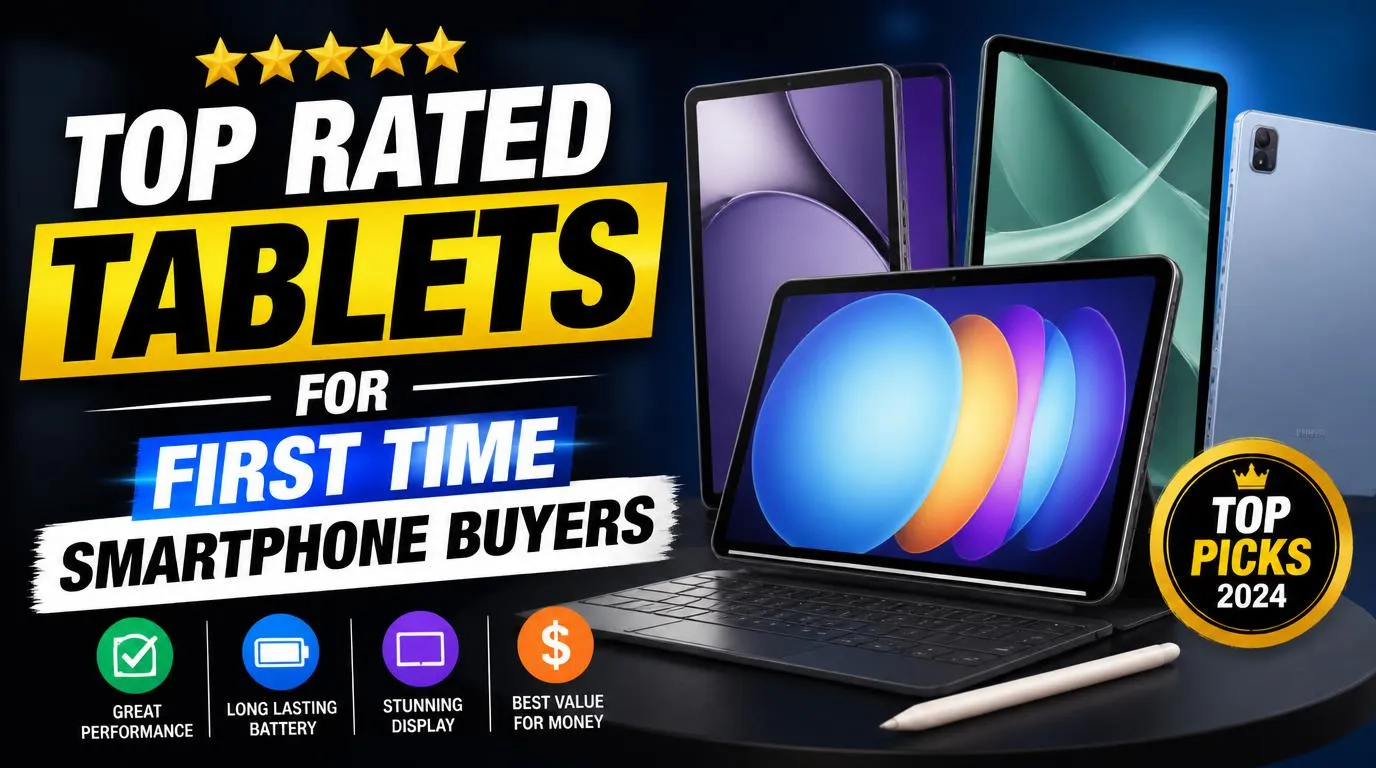
Top Rated Tablets for First Time Smartphone Buyers
Apple got something special right with the ninth-generation base iPad. Even though newer models ditched the classic look, this version keeps the physical home button right below the screen. Whenever my dad gets stuck in an app he does not understand, he simply clicks that physical button and lands safely back on his familiar home screen.
The iPadOS interface remains clean, predictable, and virtually immune to accidental malware downloads from random web popups. You get a crisp 10.2-inch Retina display that renders text with razor-sharp clarity, which saves strained eyes during long reading sessions.
The main trade-off here comes down to charging cables. This model still uses Apple’s older Lightning port instead of universal USB-C, so you will need to keep a dedicated cord handy.
Samsung Galaxy Tab A9+: The Android Familiarity Champ
If your end goal involves carrying an Android phone in your pocket, starting with Samsung makes complete sense. The layout you learn on this tablet matches what you will see on Galaxy phones note for note. That shared design cuts your future learning curve right in half.
Samsung built a winner with their One UI software layer because it emphasizes large, legible menu buttons positioned toward the lower half of the screen. You can tap things naturally without awkward hand acrobatics. The 11-inch screen refreshes at 90Hz, meaning web pages glide smoothly under your finger instead of stuttering.
Keep in mind that Samsung packs quite a few duplicate apps onto the device straight out of the box. You will spend your first afternoon hiding their redundant calendar and browser apps so they do not confuse you.
Amazon Fire HD 10: Simple Media on a Strict Budget
Nobody wants to drop half a paycheck on hardware before knowing whether they actually enjoy touchscreen gadgets. Amazon built this slate specifically for people who want straightforward entertainment without complex operating system clutter.
Everything centers around a clean, curated home screen that puts your books, audiobooks, movies, and video call apps right up front. The build quality features durable matte plastic that survives accidental drops onto living room rugs without shattering into pieces. Battery life routinely hits twelve hours of casual use between charges.
The glaring compromise is the lack of the official Google Play Store. You must rely on Amazon’s own Appstore, which lacks certain specialized banking and local utility apps you might eventually want.
Lenovo Tab M11: Clean Software with Zero Confusion
Lenovo takes a refreshing, no-nonsense approach to budget hardware. They avoid heavy visual themes and give you an unpolluted, lightweight system that lets you focus on learning modern gestures without annoying marketing notifications popping up every hour.
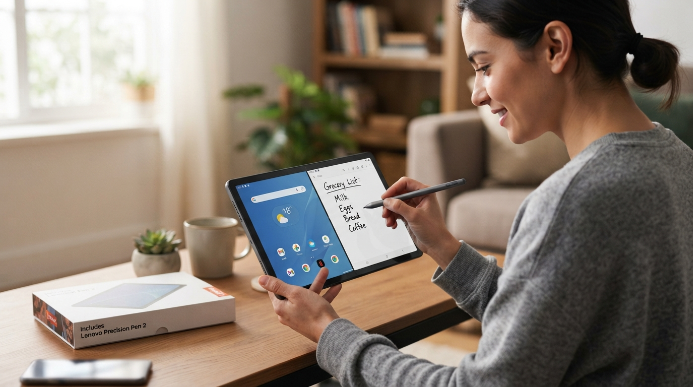
The tablet runs a clean stock Android setup that responds quickly to basic commands like checking email, viewing weather forecasts, and opening photo albums. Lenovo even bundles a responsive stylus right inside the retail box, making it effortless to jot handwritten grocery notes instead of hunting for keys on a virtual keyboard.
Do not expect booming bass from the built-in quad speakers. They handle podcasts and video calls fine, but music sounds tinny when you crank the volume past seventy percent.
Why Top Rated Tablets for First Time Smartphone Buyers Beat Small Screens
Jumping straight from a traditional keypad phone to a five-inch piece of slippery glass is an exercise in pure irritation. Testing top rated tablets for first time smartphone buyers proved to me that screen real estate eliminates half of the initial friction.
A ten-inch display gives you generous visual breathing room that smaller phones simply cannot offer. Virtual buttons are the size of actual postage stamps rather than tiny rice grains. You can rest the device flat on a kitchen table and type with both index fingers comfortably, which builds motor memory much faster than thumb-pecking on a crowded mobile screen.
Beyond pure ergonomics, tablets create a low-stakes training ground. You can experiment with connecting to home Wi-Fi networks, adjusting privacy permissions, and organizing app folders from the comfort of your favorite living room chair. Once those habits become second nature, transferring them to a pocket-sized mobile phone feels natural rather than overwhelming.
Crucial Features That Make Touchscreens Less Intimidating
Buying hardware for someone new to digital interfaces requires looking past fancy marketing specs. You want practical features that reduce daily stress and make the transition feel comfortable from day one.
- Screen size between 10 and 11 inches to keep text large without making the device too heavy to hold.
- At least 64 gigabytes of onboard storage so system updates do not stall out after six months.
- Reliable biometric login options like fingerprint sensors that eliminate the need to memorize complex passwords.
- Long-term software support from the manufacturer to keep security patches current for several years.
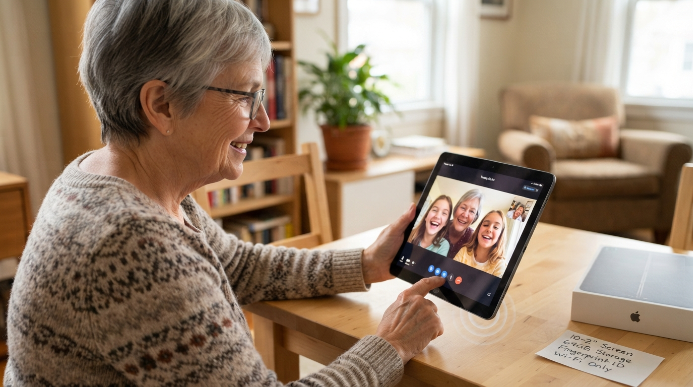
- Clear, loud stereo speakers that make dialogue on family video calls easy to understand without headphones.
Pay close attention to whether you truly need cellular connectivity built into the tablet itself. Most beginners do completely fine using home Wi-Fi, saving significant money on monthly carrier data plans while they master the basics.
Setting Up Your Device for Instant Comfort
Taking a new slate straight out of the box and handing it over with default settings is a recipe for frustration. Spending twenty minutes tweaking a few foundational accessibility options turns an intimidating slab of glass into a welcoming tool.
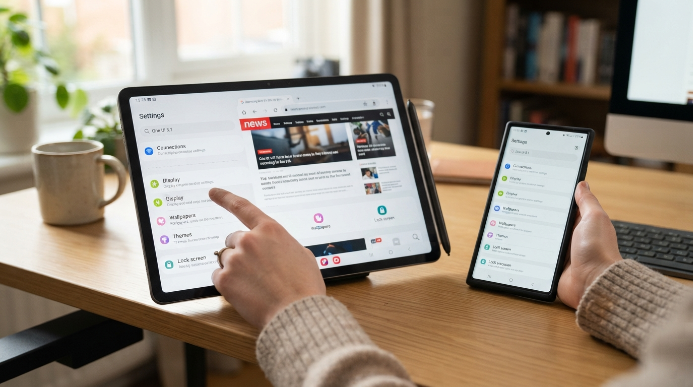
First, dive into settings and increase the overall display scaling along with the font size. Making text twenty percent larger prevents squinting and stops accidental double-taps on closely spaced menu items. Turn off aggressive auto-lock timers so the screen stays on for at least five minutes while you read through an article or follow a recipe.
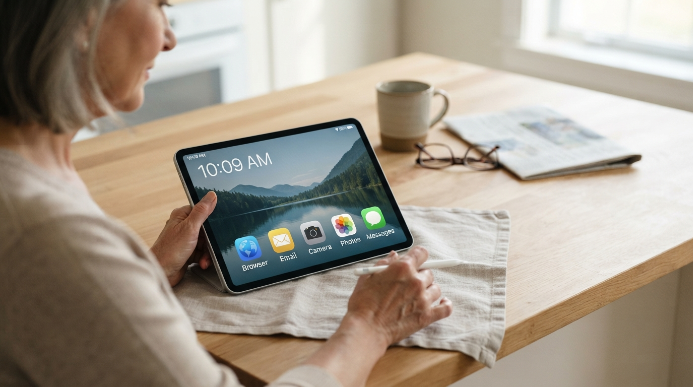
Next, clear off the main home screen entirely. Leave only five or six essential icons: your preferred browser, email, camera, photos, and a simple messaging app. Hiding everything else in the app drawer keeps the primary workspace calm and predictable.
Frequently Asked Questions
Can a tablet replace a basic cell phone entirely?
A tablet can handle video calls, text messages, and web browsing over Wi-Fi, but it cannot make traditional cellular phone calls without specific carrier data plans and calling apps. Most people use a tablet alongside a simple phone until they feel confident enough to upgrade their mobile device.
Which operating system is easiest for an absolute tech novice?
Apple’s iPadOS offers the most straightforward environment because app layouts remain consistent and accidental setting changes are hard to make. Android provides better price options and matches modern budget smartphones, making it equally worthwhile if you plan to buy an Android phone later on.
What makes top rated tablets for first time smartphone buyers different from regular phones?
These tablets offer much larger touch targets, simpler home screens, and easier typing layouts than compact mobile phones. They remove the anxiety of tiny buttons and cramped menus, letting beginners master digital gestures at their own pace without feeling rushed or frustrated.
Do I need cellular data on my tablet or is Wi-Fi enough?
Wi-Fi is more than enough for the vast majority of new users. You can practice using apps, browsing the web, and streaming video safely at home without paying for an extra monthly cellular subscription. You only need cellular if you travel frequently without internet access.
How much storage space do beginners really need?
Aim for at least 64 gigabytes of internal storage. Operating systems and essential updates take up roughly fifteen gigabytes on their own. Having 64 gigabytes ensures you have plenty of room for family photos, favorite music, and offline reading material without running into low-memory warnings.
Conclusion
Picking the right slate gives you a comfortable, stress-free space to build touchscreen confidence before downsizing to a pocket smartphone. Take your time getting used to the gestures, keep your home screen simple, and enjoy the extra screen space while you learn. Which model feels like the best fit for your daily routine?