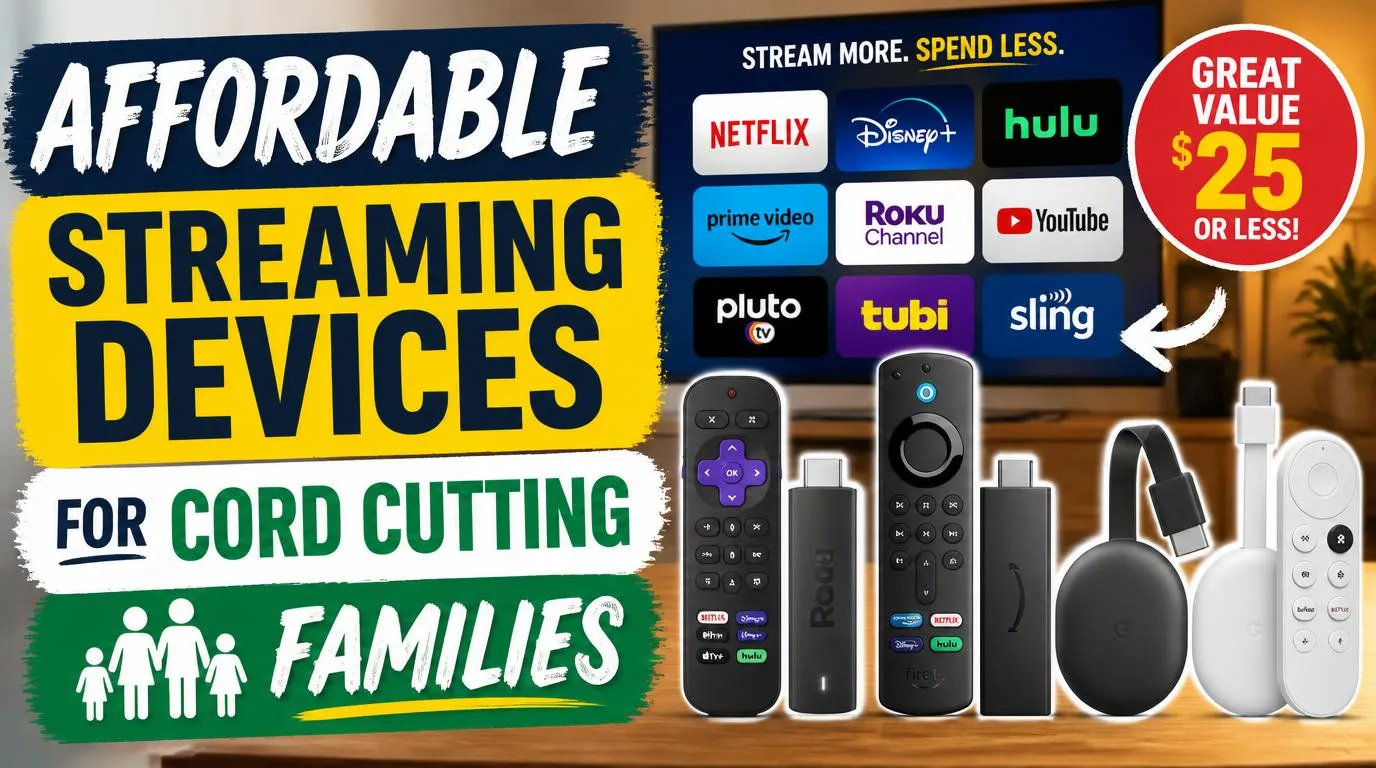
Affordable Streaming Devices for Cord Cutting Families
Roku remains the gold standard when you need a gadget that grandparents and toddlers can operate without a ten-minute tutorial. The interface treats every app equally, laying out your channels in a clean, customizable grid instead of shoving sponsored movies down your throat. The stick plugs directly into the back of your television, staying hidden while delivering crisp 4K HDR visuals and snappy menu speeds. If you have multiple bedrooms to outfit on a tight budget, this little dongle handles the chaos effortlessly.
The standout family feature is private listening through the Roku mobile app on your smartphone, which saves your sanity when the kids want to watch noisy cartoons early on Saturday morning. You also get built-in access to The Roku Channel, which serves up hundreds of free live channels and family movies without requiring another credit card sign-up. The physical remote includes dedicated TV power and volume buttons, meaning you can finally toss your old clunky television remote into a drawer. The only real annoyance is the lack of internal storage for heavy gaming, but for pure video playback, the dead-simple navigation makes it nearly impossible to beat.
Amazon Fire TV Stick 4K Max
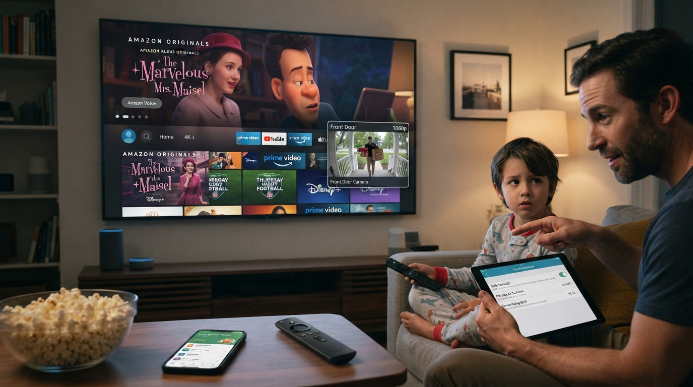
Amazon designed this hardware for households already tied into the Prime ecosystem and smart home gadgets. It packs a fast quad-core processor and Wi-Fi 6 support, which prevents playback stuttering when multiple people stream video in different rooms at the same time. You can view your front door camera feed directly on the TV screen through a small picture-in-picture window while watching a movie. That little perk is surprisingly handy when you are waiting for dinner delivery or keeping an eye on backyard play.
Parents will appreciate the comprehensive parental dashboard that lets you set daily time limits, block specific content ratings, and require a four-digit PIN before anyone purchases paid rentals. The trade-off is the chaotic home screen. Amazon clutters the interface with aggressive banner ads and promotional carousels for Prime Video, which can confuse younger kids who just want to launch Disney Plus. Still, frequent holiday sales regularly push the price down to pocket change, making it an undeniable bargain for multi-TV homes.
Walmart Onn 4K Pro
Walmart surprised the entire home entertainment world by releasing a genuine budget powerhouse that outperforms devices twice its price. Running on official Google TV software, this small box includes an Ethernet port, a full-sized USB port for external storage, and built-in hands-free microphones for voice commands. It even has a button on the box that rings the remote control when your couch cushions inevitably swallow it whole.
Finding affordable streaming devices for cord cutting families used to mean tolerating sluggish menus and cheap plastic, but this unit feels remarkably snappy. Google TV organizes content by personalized recommendations across all your subscriptions, so you spend less time opening individual apps and more time watching shows together. The hardware handles heavy 4K streams without overheating, and you can cast home videos straight from mobile devices. The only downside is Google’s aggressive data collection habits, which require you to adjust privacy settings during the initial setup.
Google Chromecast with Google TV HD
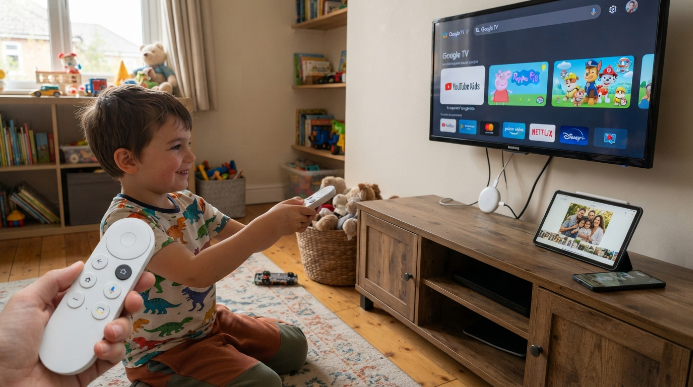
If you have secondary televisions in guest rooms or kids’ playrooms that only output standard high definition, buying expensive 4K hardware is a waste of cash. This compact Google device delivers the full smart TV experience for under thirty bucks while running the exact same software found on premium screens. It handles YouTube Kids, Netflix, and family photo casting seamlessly straight from your Android phone or Apple iPad.
The included remote fits comfortably in small hands, though the smooth plastic exterior makes it slippery on hardwood floors. Voice search works reliably through the dedicated Google Assistant button, saving you from typing long movie titles with an onscreen keyboard. Performance can feel slightly sluggish if you install dozens of heavy applications, but for everyday cartoon streaming, the compact design gets the job done without straining your wallet.
How to Choose Affordable Streaming Devices for Cord Cutting Families
Picking the right media player comes down to matching the hardware with your household’s daily habits rather than chasing technical spec sheets. If your family streams over a crowded home network with dozens of connected phones and tablets, prioritize players with dual-band Wi-Fi antennas that operate on clean five-gigahertz bands. Weak wireless reception causes constant buffering wheel spins that quickly ruin scheduled family movie nights.
Look closely at remote control ergonomics and durability before buying three identical units for the house. Kids drop remotes onto hard tile floors constantly, and replacing a lost or shattered controller often costs almost as much as buying an entirely new stick. Setting up affordable streaming devices for cord cutting families requires choosing an ecosystem whose user interface does not baffle your least tech-savvy family members. Stick with simple grid layouts if you want to avoid constant troubleshooting requests.
Managing Profiles and Parental Controls Across Multiple Rooms
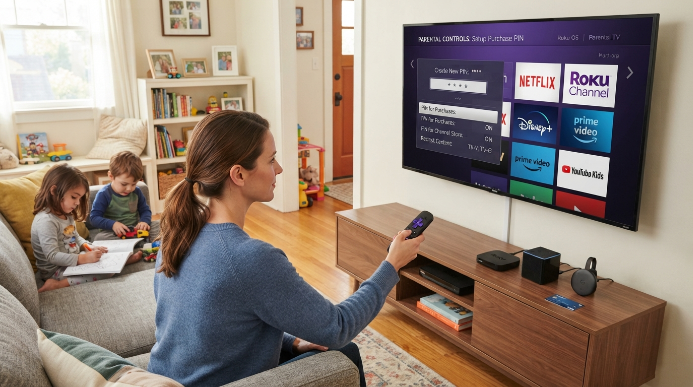
Cutting the cord gives your family access to thousands of free and paid channels, but it also opens the door to unmonitored spending and age-inappropriate content. Every major platform provides a security layer, but their effectiveness varies wildly depending on which brand you place in the living room. Roku allows you to lock channel installations behind a mandatory password, preventing curious toddlers from downloading paid add-ons behind your back.
Amazon and Google take security a step further by offering dedicated kid profiles that restrict watch lists to age-appropriate movies and pre-approved apps. Creating a universal purchase PIN across every device in your home ensures that accidental in-app purchases never show up on your monthly credit card statement. Taking fifteen minutes to configure these restrictions during initial setup will prevent costly surprises and keep your children safe while they browse their favorite cartoons.
Hidden Hardware Costs That Catch Beginners Off Guard
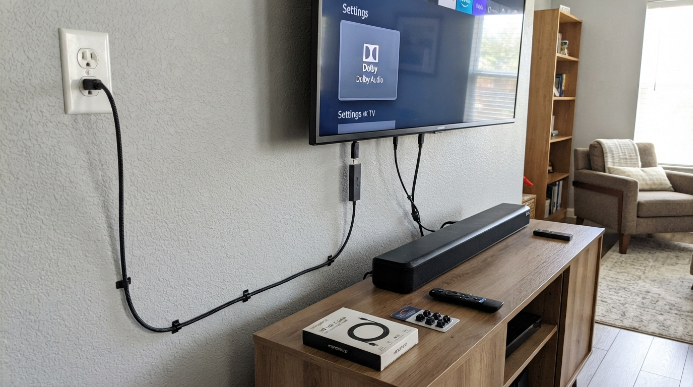
Saving cash on streamer hardware is easy, but overlooked accessories can quietly eat into your cord-cutting budget if you do not plan ahead. Many budget streaming sticks require dedicated wall power rather than drawing sufficient electricity from your television’s built-in USB port. If your wall outlet sits far from your wall-mounted screen, you may need to purchase longer micro-USB or USB-C cables to complete your installation cleanly.
Audio configurations also create unexpected headaches in family rooms equipped with older soundbars or surround systems. Make sure your chosen player supports direct audio pass-through for Dolby digital formats, or you might end up with muted dialogue and booming sound effects during action scenes. Planning for these small hardware quirks ensures your affordable streaming devices for cord cutting families deliver pristine performance without unexpected extra trips to the electronics store.
Frequently Asked Questions
How many streaming players does a typical household need?
Most households only need one dedicated player per active television screen. If you have smart televisions with fast built-in software, you might not need external hardware at all. However, adding matching budget sticks across every bedroom keeps the user interface consistent for your kids regardless of which room they use.
Can affordable streaming devices for cord cutting families replace cable for live sports?
Yes, these budget players easily run live TV apps like YouTube TV, Sling, and Hulu Live. You can watch local broadcasts, national sports networks, and regional games in crisp high definition without paying monthly hardware rental fees to your old cable provider.
Do budget streaming sticks work on older non-smart televisions?
Any television with a standard HDMI port can run modern streaming hardware perfectly. The player handles all the software, internet connectivity, and app processing, instantly converting your ten-year-old flat screen into a modern entertainment hub with crisp video output and responsive menus.
Why does my streaming stick buffer during family movie night?
Buffering usually happens because of weak Wi-Fi signals or network congestion from other household devices. Placing your router closer to the streaming player, switching to a five-gigahertz wireless band, or selecting a device with an optional Ethernet port will resolve most playback stuttering.
Is there a monthly subscription fee just to use these devices?
No legitimate streaming hardware requires a monthly subscription fee simply to activate the device. You only pay for the individual streaming services you choose to subscribe to, like Netflix or Disney Plus, along with access to hundreds of completely free ad-supported channels.
Conclusion
Dropping cable frees up hundreds of dollars every year without forcing your household to sacrifice movie nights or weekend sports. Grab the hardware that fits your family routine, set up your profiles, and start enjoying seamless entertainment on your own terms. Which room in your house are you planning to upgrade first?