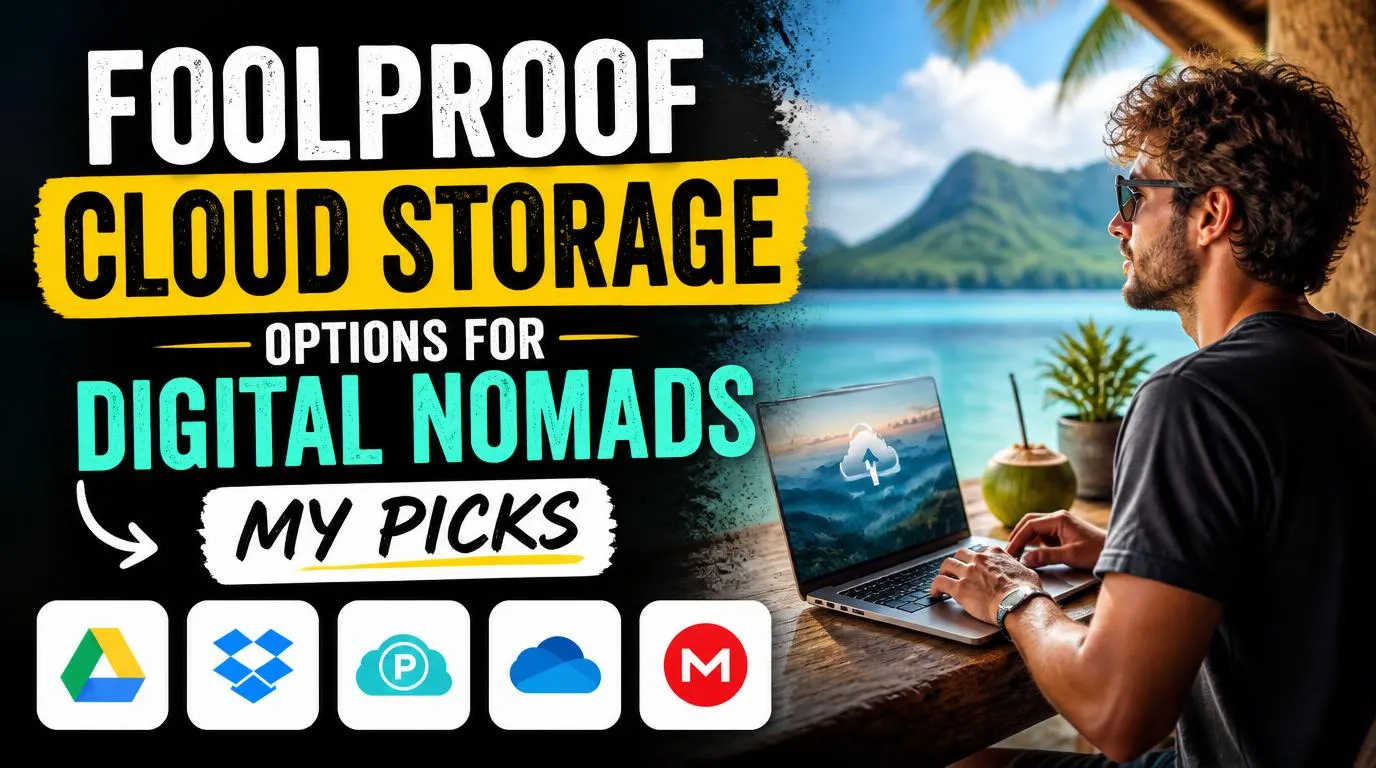
Foolproof cloud storage options for digital nomads: My picks
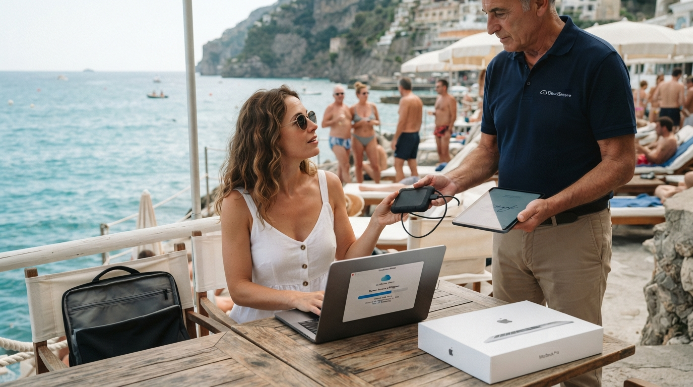
Remote work sounds incredibly glamorous until you find yourself in a humid beach town with a dead motherboard. I learned this the hard way when a sudden power surge in a Colombian cafe fried my power adapter and corrupted my hard drive. Your physical gear is temporary, but your files cannot be. Relying on a single physical drive is a recipe for disaster when you are constantly moving between airports, hostels, and cafes. You need digital infrastructure that protects your client deliverables, tax documents, and travel bookings. Investing in foolproof cloud storage options for digital nomads is the only way to safeguard your career while exploring.
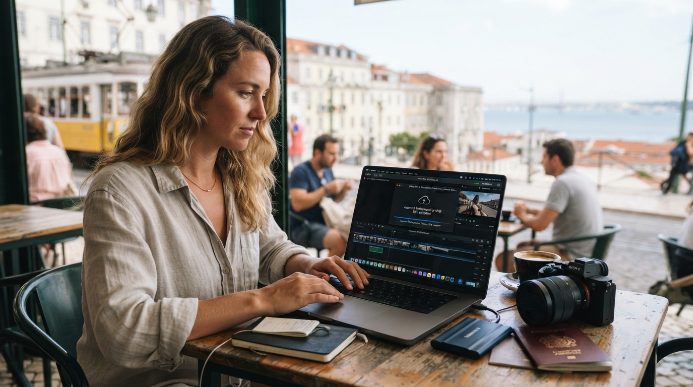
I spent three agonizing days trying to recover client projects from a corrupted drive while sitting in a noisy internet cafe. That stressful experience taught me that hoping for the best is not a viable business strategy. Now, I prioritize digital redundancy over almost everything else in my backpack.
pCloud: The Best Lifetime Deal for Long-Term Nomads
This Swiss-based provider completely changed how I manage my monthly expenses. Instead of paying a recurring monthly fee forever, you can buy a lifetime cloud storage plan for a single flat rate. It operates like a virtual hard drive on your computer, meaning it does not take up precious space on your physical local drive unless you want it to. This is a massive win for those traveling with baseline 256GB MacBooks.
The desktop app integrates beautifully, making it feel like you just plugged in a massive external drive. You can stream media files directly from the cloud without downloading them first, which is perfect for keeping your movies or raw work files accessible on the go.
The major drawback is that client-side zero-knowledge encryption requires an additional paid add-on called pCloud Crypto. Additionally, their customer support is strictly email-based, so do not expect instant live-chat help if you run into a sync error during a client emergency.
Google Drive: Best for Collaborative Freelancers
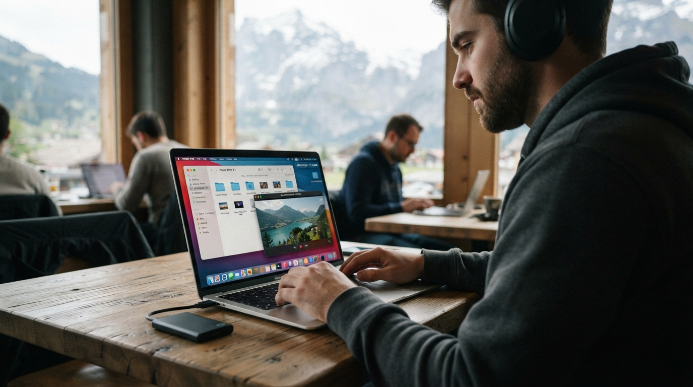
Almost everyone has a Gmail account, making this the easiest option for immediate client collaboration. Sharing a document or folder requires just a few clicks, and your clients will actually know how to open it without signing up for a new service. Google Workspace integrates seamlessly with almost every productivity app on the market, which streamlines your daily workflow immensely.
I use it daily for quick client feedback because I can tag people directly in comments, and they get instant email notifications.
However, the offline mode is notoriously temperamental. If you are boarding a flight and hope to work on a Google Doc without internet, you must configure everything perfectly beforehand or risk being locked out of your own files. The collaboration tools are incredible, but the lack of true zero-knowledge privacy might worry security-conscious remote workers.
Sync.com: The Security-First Option for Sensitive Data
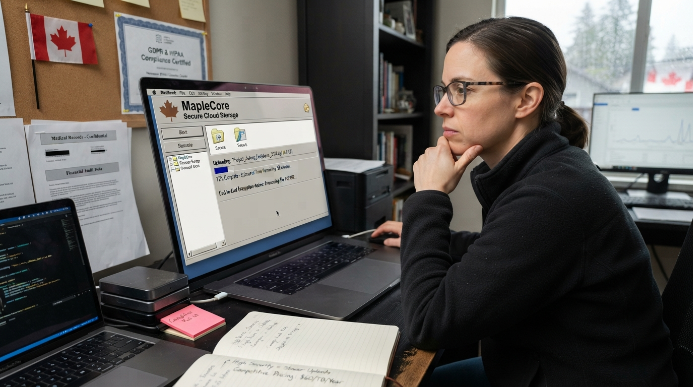
If you handle proprietary code, medical records, or sensitive financial data, security is your top priority. This Canadian service offers end-to-end encryption by default on all plans, meaning even the company itself cannot access or read your files. Their pricing is incredibly competitive, giving you massive amounts of storage space for a very reasonable annual fee.
They fully comply with strict global privacy regulations like GDPR and HIPAA, which can actually help you win clients who demand high-level security protocols.
On the flip side, this extreme security comes with a noticeable speed penalty. Uploading large video files or bulk photography folders takes significantly longer than it does on mainstream competitors because your computer must encrypt every file before it leaves your machine. The user interface also feels incredibly dated and utilitarian, lacking the modern polish of its rivals.
Dropbox: The Industry Standard for Creative Professionals
Many creative industries still treat this platform as the default choice for sharing huge media files. The platform excels at selective sync capabilities, allowing you to choose exactly which folders sit on your local drive and which remain purely in the cloud. It handles large file syncing with incredible efficiency, often updating files block-by-block rather than re-uploading the entire document.
I appreciate how effortlessly it handles file conflicts, automatically creating a separate copy if two people edit a document at the same time instead of wiping out anyone’s hard work.
IMO, my biggest frustration with this platform is the aggressive upselling. The free tier is practically useless at a measly two gigabytes, and the paid plans are among the most expensive on the market. If you only need simple storage, you are paying a premium for collaboration features you might never use.
Backblaze: The Set-and-Forget Backup Safetynet
Unlike standard file-sharing platforms, this service silently duplicates your entire computer to the cloud in the background. You do not have to drag and drop files into specific folders or organize your life around a sync app. If your laptop gets stolen from a beach club, you can order a new one, download their desktop client, and restore your entire system exactly as it was.
They will even ship you a physical hard drive containing all your data via courier if you are stuck somewhere with slow internet and cannot download a massive backup.
The clear downside is that it is a system backup utility, not a sharing tool. You cannot send a simple download link to a client or collaborate on a spreadsheet in real-time. It requires an initial upload process that can take days or even weeks if you have terabytes of data on a slow remote connection.
How to Evaluate Foolproof Cloud Storage Options for Digital Nomads
Selecting the right storage provider requires analyzing your travel style and your specific business needs. A nomadic copywriter needs quick document sharing, while a remote videographer requires rapid transfer speeds for giant media files. Consider how often you expect to work offline, as some platforms completely lock you out of your data when there is no internet connection.
Do not skimp on security features like two-factor authentication, because remote workers are prime targets for cyber criminals who prey on weak public network connections.
Look for a system that offers automatic background syncing, so you do not have to remember to back up your work after a long day of exploring. Having foolproof cloud storage options for digital nomads means you can drop your computer in the ocean, buy a replacement at a local store, and be back to work by dinner time. Never settle for a single point of failure when your entire lifestyle relies on digital continuity.
Frequently Asked Questions
What makes cloud storage options for digital nomads truly foolproof?
It comes down to automated redundancy and offline access. A bulletproof system works silently in the background without needing manual uploads, and it lets you access critical documents even when you are completely disconnected from Wi-Fi in a remote mountain village or on an airplane.
Can I run my remote business using only free storage plans?
You can stitch together multiple free accounts, but it is a risky strategy. Free tiers usually lack robust security features, offer tiny storage limits, and limit your backup options. Investing in a paid plan is a small price to pay for professional security and absolute peace of mind.
How do I back up my files when remote internet is incredibly slow?
Focus on setting up selective sync to only upload critical text files and spreadsheets during the day. Save massive uploads or full system backups for the overnight hours when your accommodation has less network traffic, or seek out local co-working spaces with high-speed fiber connections.
Is a physical external hard drive safer than using cloud services?
Physical drives are highly vulnerable to humidity, extreme heat, drop damage, and opportunistic theft. While a local drive is great for quick file transfers, it should never be your only backup. A cloud-based solution ensures your hard work remains safe regardless of what happens to your physical gear.
Do these remote storage platforms protect my files from malware?
Most premium services include file versioning, which allows you to restore clean, uncorrupted versions of your documents if ransomware strikes your machine. However, you should still practice good digital hygiene by using strong passwords, enabling two-factor authentication, and avoiding sketchy public Wi-Fi networks without protection.
Conclusion
Protecting your digital life is the single most important insurance policy you can have as a remote worker. Pick the tool that matches your specific workflow, configure it today, and let it run in the background. Which backup system are you currently relying on to keep your remote business running?