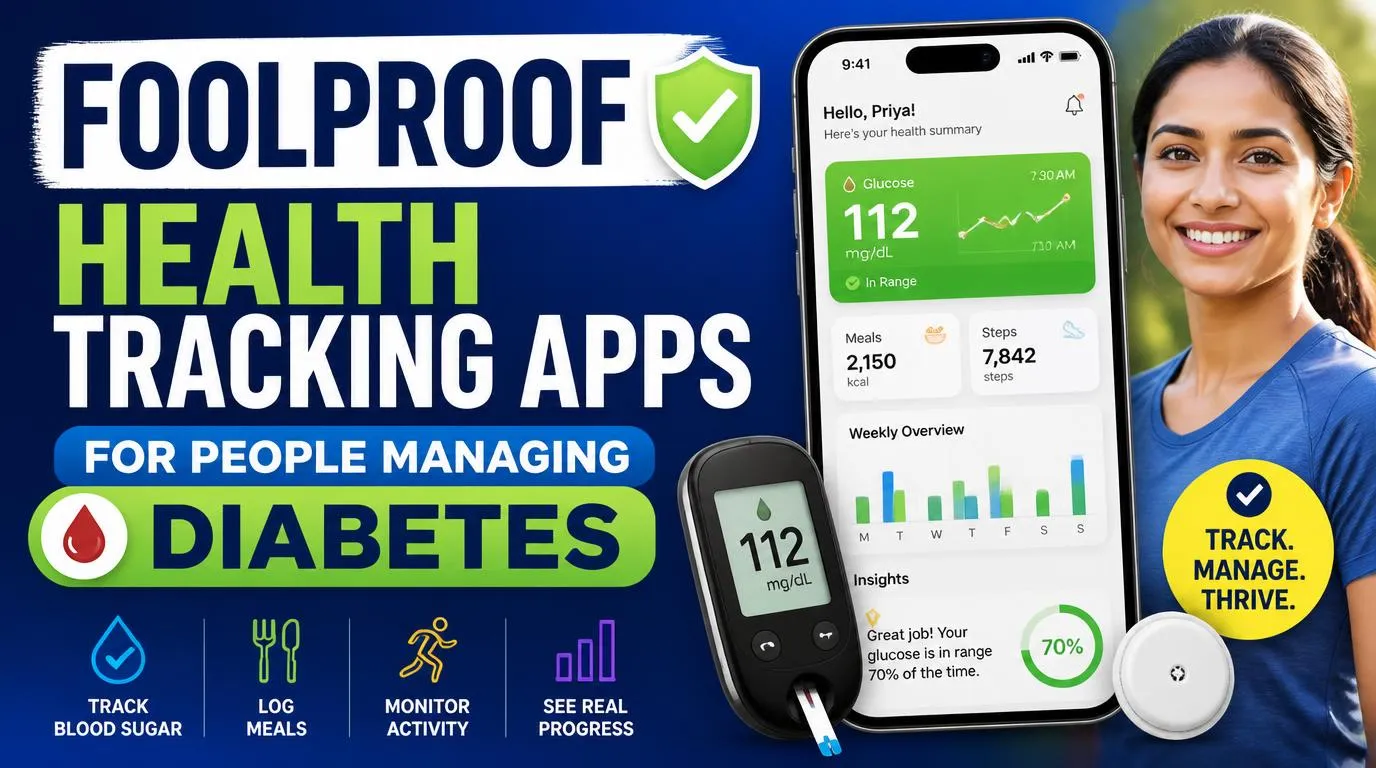
Foolproof health tracking apps for people managing diabetes
Living with diabetes is like managing a high-stakes science experiment where you are both the scientist and the test subject. When you are exhausted from a long day, the absolute last thing you want is an app that requires fifteen clicks just to log a slice of whole-wheat toast. I spent months searching for foolproof health tracking apps for people managing diabetes because my brain simply refused to cooperate during intense blood sugar spikes or sudden lows. A good app must be fast, intuitive, and highly visual. It needs to work with you, not against you, during those stressful mid-afternoon slumps. In my experience, a tool is only helpful if you actually use it daily. If it feels like a chore, you will abandon it within a week, which is why simplicity is the ultimate feature.
1. MySugr: The Most User-Friendly Daily Log
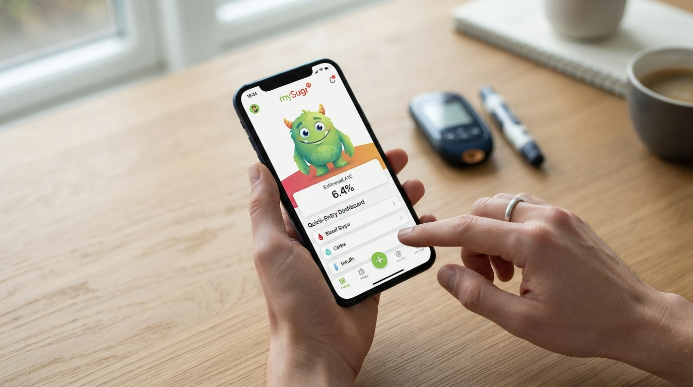
MySugr is my absolute favorite because of its playful, lighthearted approach to an otherwise tedious chore. It features a little “diabetes monster” that you tame by logging your blood sugars, meals, and insulin doses. This gamification sounds silly, but it honestly kept me motivated to log my levels consistently during my worst burnout phases. The interface is remarkably clean, displaying your estimated A1C right on the home screen based on your recent entries.
My favorite feature is the rapid logging system, which takes less than ten seconds of your time. If you use insulin, the built-in bolus calculator is incredibly helpful for calculating precise doses based on active insulin and target ranges. On the downside, you must pay for the Pro version if you want to export detailed PDF reports for your endocrinologist. I found the subscription fee reasonable, but it is still an annoying paywall for basic data sharing. IMO, it remains the most practical starting point for anyone overwhelmed by manual logging.
2. Dexcom G6/G7 App: The Continuous Monitoring Leader
If you use a continuous glucose monitor, the official Dexcom app is virtually mandatory for your daily routine. It displays your blood sugar readings in real time, showing trends with simple up or down arrows. I loved how I could glance at my phone screen or Apple Watch to instantly see if my levels were crashing during a heavy workout. The peace of mind this brings is truly unmatched, especially when you are trying to sleep soundly through the night.
However, the app has a few quirks that you need to be prepared for. The Bluetooth connection occasionally drops out of nowhere, causing loud, obnoxious alerts that can wake up your entire household. It is also highly dependent on sensor hardware, meaning you cannot use it as a standalone app. If your sensor fails or falls off early, the app becomes useless until you insert a replacement. Still, for real-time tracking without constant finger pricks, nothing else comes close.
3. Glucose Buddy: Best for Comprehensive Reports
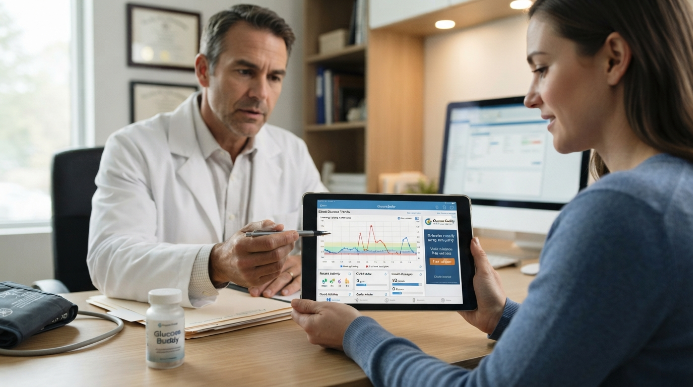
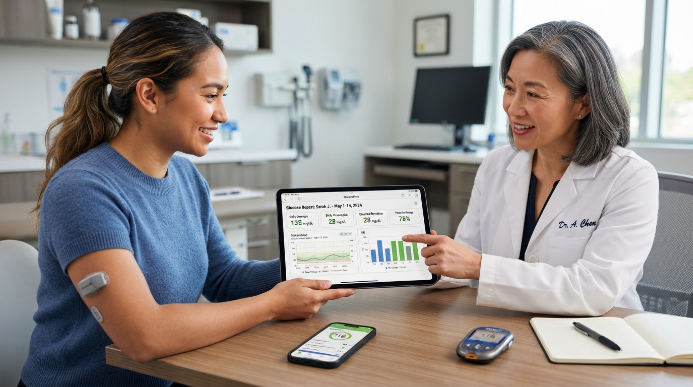
Glucose Buddy is a powerhouse for data lovers who want to see every variable of their health in one place. It tracks blood sugar, carbohydrate intake, insulin dosages, physical activity, and even your blood pressure. When I brought my tablet to my doctor’s appointment, my endocrinologist was thrilled with the PDF summaries this app generated. It lays everything out in neat, color-coded graphs that clearly show your morning fasting trends and post-meal spikes.
The trade-off here is the user interface, which feels slightly outdated compared to sleek modern apps. The free version is also heavily cluttered with ads, which can get incredibly frustrating when you are trying to log a fast reading. I also noticed that the automatic step tracker can drain your battery slightly faster than usual. If you can overlook the retro design and spring for the premium ad-free version, the analytical depth is second to none.
4. One Drop: Best for Sleek Hardware Integration
One Drop looks and feels like a high-end consumer tech product rather than a sterile medical tool. The app pairs beautifully with their sleek, chrome Bluetooth blood glucose meter, automatically syncing your readings within seconds. I loved carrying their stylish carry case because it did not scream “medical supply bag” when I pulled it out at a restaurant. The app also includes an expansive food library that makes carb counting relatively painless.
The major drawback is the ongoing cost of their subscription plans. While the app itself is free to use, the monthly subscription plans for unlimited test strips and personal coaching can easily strain your budget. The app also has a lot of community features that might feel like clutter if you prefer a quiet, solo tracking experience. If you prefer a minimalist, high-tech aesthetic and do not mind paying a premium for convenience, this is an excellent choice.
5. Fooducate: Best for Decoding Grocery Items
Fooducate is not strictly a diabetes app, but it is indispensable for managing daily nutrition and grocery store trips. It allows you to scan barcodes at the store and instantly gives the food product a letter grade from A to F. It highlights hidden sugars, high-fructose corn syrup, and controversial additives that might spike your blood sugar unexpectedly. I was shocked to find that my “healthy” vanilla yogurt was actually packed with more sugar than a chocolate donut.
The obvious downside is that it does not track your actual blood glucose levels or insulin doses. You will need to pair Fooducate with another tool, like MySugr, to get a complete picture of your health. However, it completely demystifies food labels, helping you make split-second decisions in the supermarket aisle. For mastering the grocery store and understanding what you are putting in your body, it is a vital tool.
6. Glooko: Best for Remote Clinic Syncing
Glooko is a massive favorite among medical clinics because it connects to almost every meter, pump, and CGM on the market today. It pulls all your data into one cloud-based dashboard that your doctor can access remotely. During my virtual health visits, my doctor was able to pull up my Glooko profile in real time and see exactly how my lifestyle changes affected my blood sugar overnight. It completely eliminated the annoying step of exporting and emailing files before every appointment.
The trade-off is that Glooko’s mobile interface is relatively dry and clinical. It lacks the friendly, encouraging vibe of MySugr or the sleek, high-end styling of One Drop. It is built strictly for utility and medical accuracy, not lifestyle aesthetic. If your priority is keeping your healthcare team closely connected to your daily numbers with zero hassle, Glooko is the absolute gold standard.
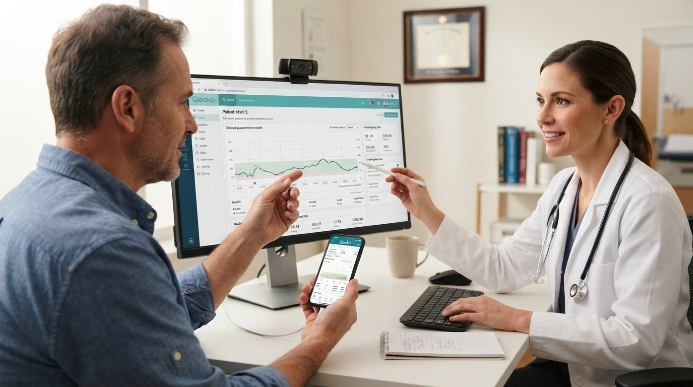
Selecting the Best Foolproof Health Tracking Apps for People Managing Diabetes
Not all digital platforms are built the same, so choosing the right one requires looking at your specific daily habits. First, consider how you currently check your blood sugar. If you rely on a continuous glucose monitor, you need an app that integrates directly with your hardware to prevent double-logging. Manual finger-prick users should focus on apps with fast, low-friction data entry screens that require minimal typing.
Second, look at the reporting capabilities of each app. Your doctor does not want to scroll through weeks of messy phone screens during a fifteen-minute appointment. They need clean, actionable data. Look for apps that export PDF charts showing your standard deviation, daily averages, and time-in-range percentages.
Finally, do not underestimate the power of a supportive interface. If an app makes you feel guilty for high numbers or bores you with sterile, clinical screens, you will eventually stop using it. Pick something that fits your personality, whether that means a quirky gamified monster or a sleek, minimalist graph layout. Finding foolproof health tracking apps for people managing diabetes is about reducing your mental load, not adding to it.
Frequently Asked Questions
Can I sync these apps with my smartwatches?
Most top-tier apps, like Dexcom and MySugr, sync seamlessly with Apple Watch and Garmin devices. This lets you view your blood sugar trends right on your wrist without pulling out your phone. Make sure to check device compatibility in the app store before purchasing any premium upgrades.
How do foolproof health tracking apps for people managing diabetes help my doctor?
These apps turn raw daily numbers into easy-to-read PDF charts, averages, and standard deviations. Instead of guessing, your doctor can instantly see exactly when your blood sugar spikes or dips. This precise data allows them to adjust your insulin ratios or medications with far greater accuracy.
Are my private health data safe on these tracking apps?
Most reputable developers use high-level encryption and comply with local privacy regulations like HIPAA to keep your data secure. However, you should always read the privacy policy to ensure they do not sell your anonymous data to third-party advertisers. Stick to well-known, highly rated apps to minimize security risks.
Can I use these applications if I have type 1 or type 2 diabetes?
Yes, these tools work exceptionally well for both types of diabetes. Type 1 users will benefit from advanced insulin and carb calculators, while type 2 users can focus on tracking medication adherence, weight trends, and dietary logs. You can easily customize the settings to match your specific treatment plan.
Do I need a paid subscription to get real value?
You do not need to pay to get basic, reliable tracking. Many apps offer robust logging, basic charts, and food databases completely free of charge. Paid subscriptions are generally only necessary if you want advanced features like automated PDF reports, personalized health coaching, or direct integration with specific hardware.
Conclusion
Managing diabetes is a marathon, but the right digital companion can make the journey feel a lot lighter. By outsourcing the heavy lifting of math, memory, and graphing to a reliable app, you free up valuable mental space to simply live your life. Which of these tracking tools looks like the best fit for your daily routine?